
Capture the work. Validate it. Post it.
Shop-Trak records labor, quantities and scrap at the operation. It checks each entry against the work center's rules and posts it to SyteLine as the work happens, from the shop PC or from a phone or tablet with Shop-Trak Mobile. Nobody has to key a traveler at the end of the week. It's where most customers start the Lake MES Platform.

What changes
What we hear from operations leaders
Six versions of the same problem, in almost every plant we walk into. Here is what each one looks like with Shop-Trak. All six come back to one goal: record the work as it happens, check it at the station, and post it to SyteLine during the shift.
Jobs go quiet
A job falls behind on Tuesday, and the first person to notice is the customer calling on Friday.
A quiet job shows up the same shift
Every clock-in, quantity and scrap entry lands on the job as it happens. Supervisors see what needs attention during the shift, from the Manager form in SyteLine.
Labor gets written twice
Time, counts and scrap go on a traveler, and someone keys them in days later, if at all.
Recorded once, at the station
Operators sign on under their own name and report at the operation, on the shop PC or with Shop-Trak Mobile. Setup and run are recorded separately, so nothing is keyed after the shift.
Instructions live in people's heads
Operators stop to ask for the setup notes, or build to whatever print is in the binder under the bench.
The instruction opens with the job
With Doc-Trak on the platform, the drawing and work instruction attached to the job open at the station. New hires build from the approved instruction.
Work runs out of sequence
The priority changed but the printout didn't, so the easy job runs first and the hot one slips.
Everyone sees the same queue
Visual Dispatch shows the current queue at the terminal. Operators run the priority job without having to ask.
Mistakes turn up at month-end
A quantity that couldn't be right or a job closed short is found after the cost is already wrong. Sometimes labor is charged where it should have backflushed.
Validation catches it at the station
Each entry is checked against the work center's rules as it's made, including tolerances, required materials and efficiency. You choose whether it's flagged or blocked, or held for a supervisor to approve.
Job cost can't be trusted
Labor lands late or in batches, so the job cost is wrong all week and gets cleaned up at close.
Labor cost is right while the job is open
Background posting puts labor into SyteLine work in process (WIP), payroll and job cost the day the work happens. The controller sees variance by work center before month-end.
“We quoted 30% margin and delivered 28. Where did the two points go?”
Controllers ask this every month. With Shop-Trak, the answer starts on the floor the day the work happens.“Will this order ship on time, and if not, what has to move?”
Planners ask this every day. With Visual Dispatch, the floor and the plan work from the same priority.What your team gets, role by role
Operator
Signs on at the station or on a phone, sees the job, and reports quantities and scrap. Can scan a barcode and open the drawing attached to the job, in their own language, with only the buttons that apply.
Shift supervisor
Reviews and adjusts time in one place before it posts, where you choose to. A rule can hold a new operator's entries for approval until they're trained. Downtime and scrap reasons go on the record.
Planner and scheduler
Sees live job progress in SyteLine. When a priority changes, the floor sees it on Visual Dispatch at the terminal.
Controller and payroll
Gets labor on the job the day it happens. Hours feed SyteLine Payroll, or Shop-Trak produces the payroll file for ADP and similar providers.
Why Shop-Trak
Why Shop-Trak, compared with Infor Factory Track Shop Floor
There are two ways to run the floor from SyteLine. Here are three reasons customers choose Shop-Trak. Infor Factory Track Shop Floor is a capable product. It has individual badge IDs, setup and run recorded separately, an optional approval process, and Android devices through a URL. Infor's October 2026 release added pause and resume and QCS tests inside the operation screen. The real difference is how many products you have to own to cover the whole job, and how closely the tool fits the ERP you run.
Built for SyteLine
Factory Track was designed to serve Infor SyteLine, LN and M3 with one shared design. Shop-Trak was built for SyteLine only. It's a standalone application on the SyteLine database under SyteLine security, and it has run there since before Factory Track existed. Every form, field and workflow follows the SyteLine job, item, work center and payroll exactly as SyteLine defines them.
What happens after the clock-in
Factory Track records QCS tests at the operation and reaches documents through Infor Document Management (IDM). It reaches machines and dashboards through ION and Infor OS. Shop-Trak handles the clock-in. Doc-Trak, Machine-Trak, Quality-Trak, Fact-Trak and Vantage add the drawing, the machine, the inspection, the cost and the Job 360 view on the same job. They're one product family on one subscription.
Validated and set up for each person
Factory Track posts labor and quantities, with an optional approval process. Shop-Trak checks each entry against the work center's rules first. Approval is a rule you set per employee, for example until a new operator is trained, and adjustments are made in one place. Screens, language and fields are set by work center, machine and the person signed on. Shop-Trak has ten embedded languages, set per employee.
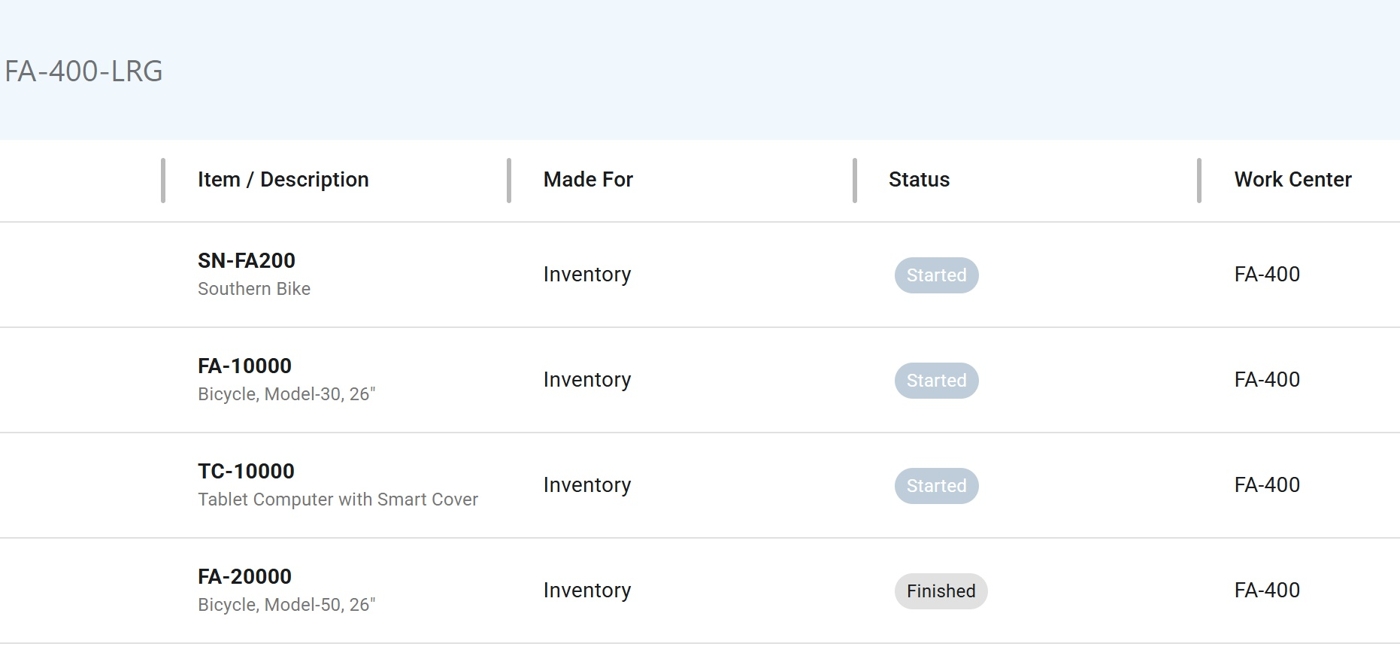
Why Shop-Trak, compared with Infor Factory Track Shop Floor
| Factory Track Shop Floor and the Infor products it works with | Shop-Trak on the Lake MES Platform | |
|---|---|---|
| Labor and quantities | Start and stop operations, setup and run separately, direct and indirect labor, good and bad quantities, material issue; individual badge IDs; optional approval | The same, validated against the work center's rules first, posted into SyteLine under the operator's own name, with approval by rule where you choose |
| Where operators work | Touch-screen work center terminal, tablet or desktop, in landscape; barcode scanning; Android devices through a URL | Windows touch screen at the station, or Shop-Trak Mobile in a modern browser on a phone or tablet; 1D/2D barcode scanning |
| Documents at the job | IDM (part of Infor OS, included in Infor's multi-tenant cloud), shown in a Documents tab inside the operation; documents must live in IDM | Doc-Trak: the drawing attached to the job, from any repository you already use, IDM included, opened in its own window with the job; no migration |
| Machines | Machine hours at the terminal; machine data through a historian and Infor ION, an integration you build | Machine-Trak on any asset with its own connectors; machine states and counts on the Shop-Trak job with Shop-Trak 2027 |
| Quality at the operation | QCS tests recorded inside the operation screen (October 2026 release); QCS included in Infor's multi-tenant cloud; notifications through the Infor OS workflow engine | Quality-Trak inside SyteLine, available now: nonconformance, corrective action, engineering change, audits, inspections. Shop-Trak Enterprise records QCS test results at the operation today. Recording Quality-Trak results from the Shop-Trak screen is planned for 2027. |
| The next capability | Another Infor product: Birst, ION, Infor OS, each licensed, configured and connected; IDM and QCS are included in the multi-tenant cloud | Already in your tier, switched on and configured with your team |
The clock-in, step by step
With Factory Track, the operator punches in and then starts the run. With Shop-Trak and the payroll output, the day starts at the first run, so there's no separate punch-in. Supervisors can review and adjust time before it posts, or let it post straight through.
Where Factory Track is the stronger choice, we say so: its attendance module, Factory Track Warehouse Mobility in the warehouse, and the Documents tab inside the operation when your documents already live in IDM. If you already run Factory Track Warehouse Mobility, keep it. It runs the warehouse, the Lake MES Platform runs the floor, and we implement both. Factory Track capabilities are as described in Infor's published Factory Track for SyteLine brochure, licensing guide and online help, and in Infor's October 15, 2026 Factory Track webinar for SUN members. Infor logos and trademarks are property of Infor.
Shop-Trak on the Lake MES Platform
On the platform, labor connects to documents, machines and quality. Shop-Trak, Doc-Trak and Fact-Trak already work on your SyteLine data today. The next direct integration, Shop-Trak and Machine-Trak, comes with Shop-Trak 2027.
Doc-Trak
Available NowThe drawing and work instruction attached to the job open with it at the station, so operators don't have to ask around.
Machine-Trak
Available NowAny asset reports when it's running, idle or down. Start with OEE and utilization, then add downtime reasons. Machine states on the Shop-Trak job come with Shop-Trak 2027.
Quality-Trak
Available NowNonconformances, dispositions and inspections are recorded inside SyteLine, on the same job as the labor. Recording Quality-Trak results from the Shop-Trak screen is planned for 2027.
Fact-Trak
Available NowLabor actuals against standard, by job and work center, before month-end. It's part of the Pro tier.
Vantage
Expected Early 2027Open a job, a purchase order or a customer order, and what's related to it is already there, including quality KPIs. Your Command Center.
Intelligence
In developmentAI across the platform flags jobs at risk of going late. A person decides what happens next.
Start with Shop-Trak. Keep climbing.
Capacity scales, capability activates. Starter quantities are included in every tier, so each stage starts as a pilot, not a purchase.
The work, recorded and checked
Available NowOperators record clock-ins, quantities and scrap under their own name. Each entry is checked against the work center's rules.
The right work, done right
Available NowVisual Dispatch shows the live queue, and Doc-Trak opens the instruction attached to the job.
Machines reporting, quality on the job
Available NowStart with the Machine-Trak connection in your tier, with OEE and utilization first. Quality-Trak records inspections inside SyteLine. The machine-to-job link comes with Shop-Trak 2027.
The whole job in one view
Expected Early 2027Job 360 shows each job in context, with its purchase orders, customer orders and quality KPIs.
What the job record makes possible
The machine reports on the job
With Shop-Trak 2027Machine-Trak's states and machine cycle counts will land on the Shop-Trak job, next to the operator's downtime.
Scrap opens a quality case
In DevelopmentScrap recorded at the station will open the Quality-Trak record automatically.
Cost on the open job
Available NowLabor cost is on the open job today with direct job costing. Machine cost comes with Shop-Trak 2027, quality cost in 2027.
What we hear about Shop-Trak, and what we say back
Each one is a problem in a manufacturer's words. The answer names what Shop-Trak does about it today, what is still coming, and where the problem sits in the 49 we have catalogued.
Our labor gets keyed at the end of the shift, or the next day, so the job cost is never right.
Shop-Trak records labor at the operation as the work happens: the operator signs on under their own name, setup is separated from run, and quantities and scrap are entered at the station. Each entry is checked against the work center's rules and posted to SyteLine, so the job carries the day's labor the day it happened. Available now.
In the book of painLabor is keyed late, so job cost is wrong Available nowThe same data gets re-keyed into system after system Available now
The floor runs whatever job is in front of it, not the one the planner moved up this morning.
Visual Dispatch shows the current queue at the terminal. A planner changes a priority once in SyteLine and the floor sees it at the work center, so the priority job runs without anyone having to ask. Available now.
In the book of painThe floor keeps running yesterday's plan Available nowJobs get run out of sequence Available now
Half our operators are never near a PC. They need to report from a phone.
Shop-Trak Mobile runs in a modern browser on a phone or tablet, with 1D/2D barcode scanning for the job and the operation. The same labor, quantity and scrap entries post to SyteLine from the phone as from the touch-screen terminal. Your account team confirms what your SyteLine version supports.
In the book of painJobs get run out of sequence Available nowThere is too much paper on the shop floor Available now
Only certified operators should start certain operations. Today that lives on a whiteboard.
The work center skills check in Shop-Trak lets only a qualified operator start the operation. The certification gates the clock-in instead of being checked after the fact. Available now with Shop-Trak.
In the book of painCertification gates the clock-in Available now
Payroll and job time never agree, and somebody reconciles them by hand every cycle.
One labor record, captured once at the station, feeds both the job in SyteLine and payroll. The reconciliation stops being a task because there is only one record to reconcile. Available now.
In the book of painPayroll and job time get reconciled by hand every cycle Available nowThe same data gets re-keyed into system after system Available now
Our machines run hours that nobody is clocked on. Can the job see machine time?
Machine-Trak reads run, idle and down from any asset today, and eScore puts a cost on machine time by asset. The direct link that lands machine time on the Shop-Trak job comes with Shop-Trak 2027. Until then, machine time reaches the job through Shop-Trak the way it does now.
In the book of painWe quoted 30 percent margin and delivered 28. Where did the two points go? Available nowNobody can combine labor, machine and quality into job profitability Planned
We are moving to Infor's multi-tenant cloud. Does the floor lose Shop-Trak?
No. Shop-Trak and the platform move with you. Your account team confirms what your version supports, and each SyteLine release is tested by Lake before the platform release follows it.
In the book of painMoving to cloud ERP threatens what the floor can do Available now
We only need labor capture right now. Do we have to take the whole platform?
Lake sells the Lake MES Platform, not standalone products, and Shop-Trak is part of every tier. Starter quantities of the products in your tier are included, so you install Shop-Trak first and switch on the rest when the floor is ready. SyteLine stays your system of record throughout.
In the book of painYou have become your own systems integrator Available now
You buy the platform once. You grow it by switching on.
One subscription, one renewal
Your tier includes a license for each of its products, with starter quantities, and you install what you need. One agreement covers all of it.
Capacity scales, capability activates
Add devices, users, seats or machines as you grow. Switching a product on is a short project with your team: we install and configure it and train your administrator. Machine-Trak connections may require a setup fee.
Care after go-live, included
Check-ins and activation help are part of your subscription. We'd like to spend that time solving a real problem on your floor.
Shop-Trak is in every tier. Your account team sizes the platform with you and confirms the numbers in a written quote. Current Lake customers are offered loyalty pricing on the platform, on the terms in their letter.
Moving to Infor's multi-tenant cloud? Shop-Trak and the platform move with you. Your account team will confirm what your version supports.
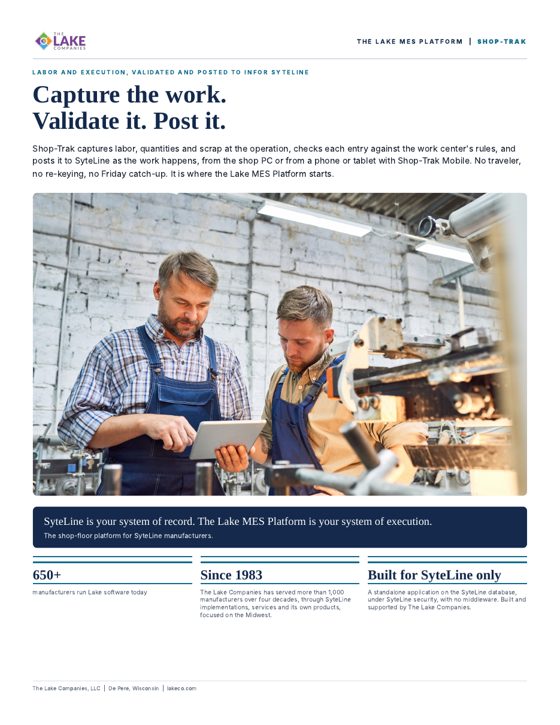
SyteLine is your system of record. The Lake MES Platform is your system of execution.
Talk to the Shop-Trak team at The Lake Companies: (920) 406-3030. We'd like to start with a real problem on your floor.